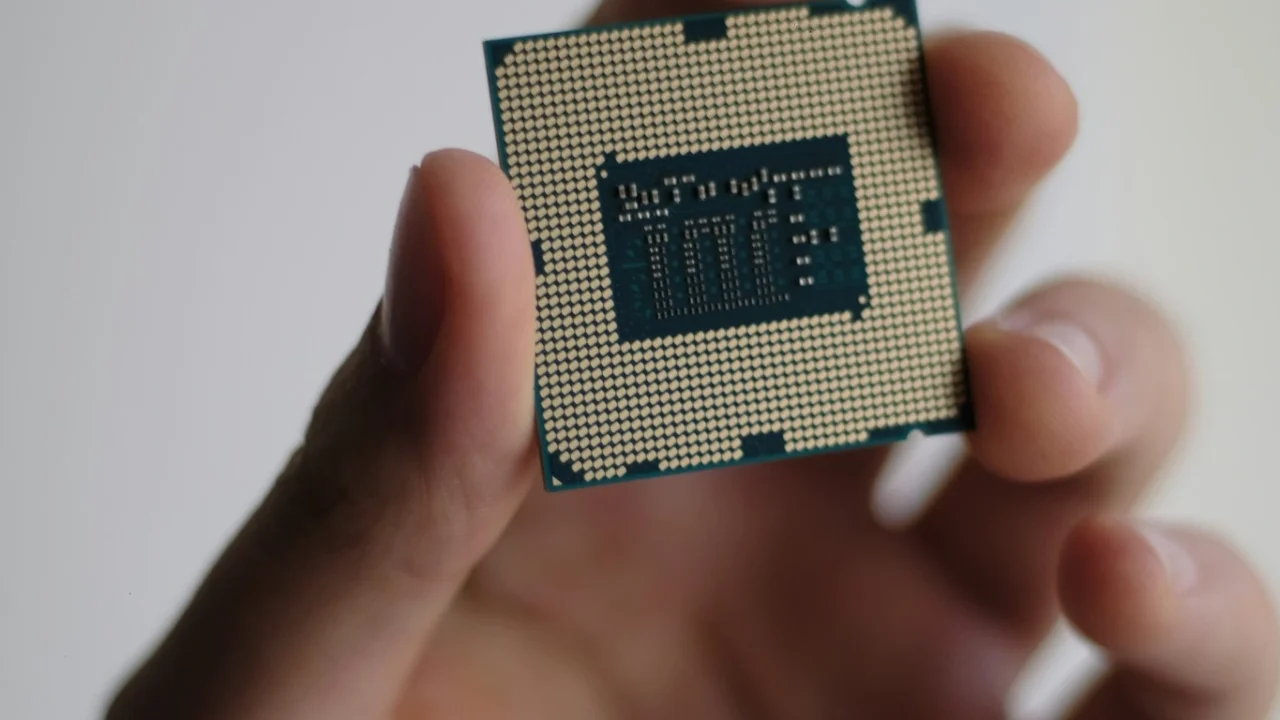
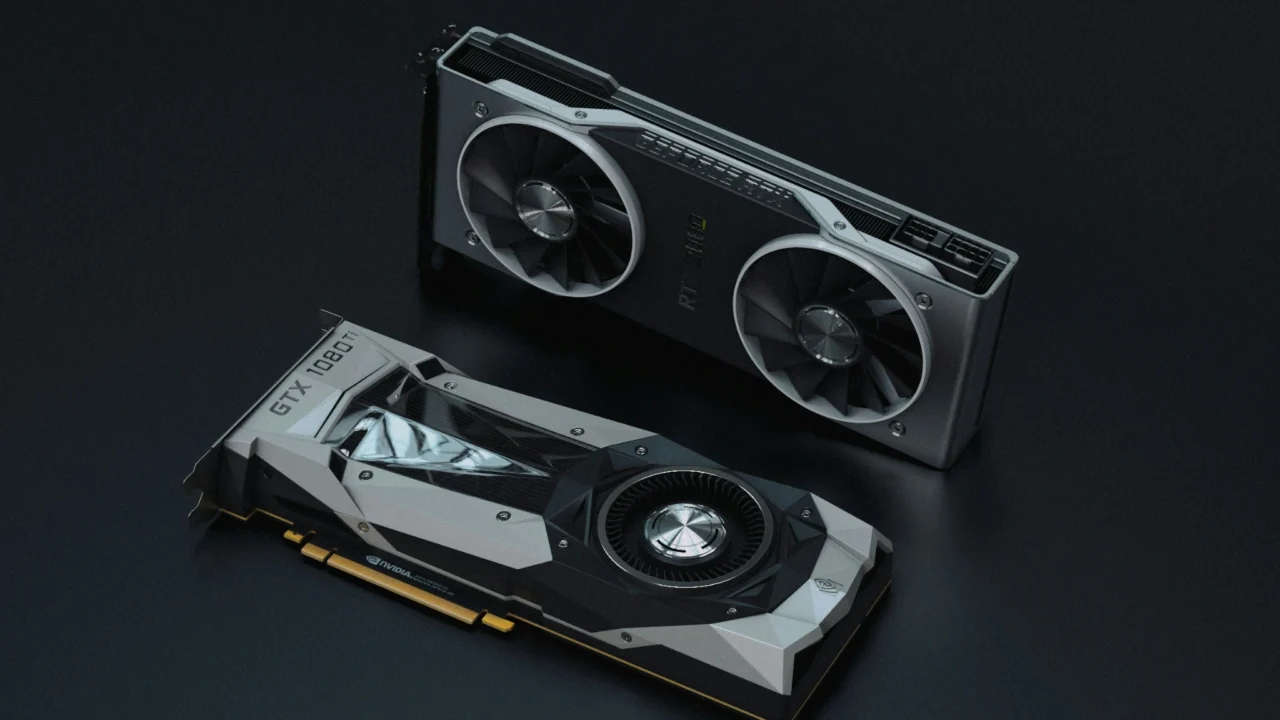
Most people know modern graphics cards for drawing game frames, but their real strength is handling lots of tasks at once. This parallel design is why GPUs are now key in deep learning, scientific computing, and high-performance computing, which the CUDA documentation lists as areas where GPU computing is widely used.
The graphics part is still important. When you see a 3D world made of triangles running smoothly, the GPU is following a set of steps that turn shapes into pixels. To understand how a graphics card works, you need to see how it keeps these steps moving smoothly while also managing memory and running many tasks at once.
The core idea: a GPU runs many threads at once
One easy way to think about a GPU is as a processor made to run many threads at the same time. NVIDIA’s CUDA Programming Guide says the GPU works as part of a heterogeneous computing system with a CPU (the “host”) and a GPU (the “device”). It also explains that applications use CUDA APIs to move data between host memory and device memory, start GPU code, and keep work in sync.
The guide also says that when an application starts a GPU function (called a “kernel”), it often runs many threads, often millions of threads, which are organized into blocks. This shows the GPU’s main approach: break work into many small parts and run them at the same time to finish faster.
Where the “card” fits: GPU chip + VRAM + pipelines
A graphics card includes more than just the GPU chip. It also has high-speed onboard memory, called VRAM, and the software that sends it tasks.
Research on GPU memory explains that off-chip VRAM is called global memory (GMEM), while on-chip resources include thread-local registers and high-speed on-chip shared memory (SMEM) shared by threads in a block. This means the GPU has fast but limited on-chip memory, and larger, slower off-chip memory.
How graphics rendering works: the pipeline from triangles to fragments
When people say the GPU renders graphics, what they usually mean is that the GPU runs a graphics pipeline—a sequence of operations that transforms geometry into pixels.
The Vulkan specification describes early steps of that pipeline in direct terms: The first stage of the graphics pipeline (Input Assembler) assembles vertices to form geometric primitives such as points, lines, and triangles, and in the Vertex Shader stage, vertices can be transformed, computing positions and attributes for each vertex.
After that, the same Vulkan text explains that the final resulting primitives are clipped and sent to Rasterization, and the rasterizer produces a series of fragments associated with a region of the framebuffer. This is the crucial bridge: the GPU stops thinking in triangles and starts thinking in pixel-like units called fragments.
Vulkan defines rasterization even more explicitly: Rasterization is the process by which a primitive is converted to a two-dimensional image, and each discrete location of this image contains associated data such as depth, color, or other attributes. It then defines a fragment as a grid square with framebuffer coordinates, depth, and associated data added by fragment shaders.
Step by step, the GPU pipeline changes a shape, like a triangle, into fragments. Each fragment can help form the final image.
Shaders: the programmable heart of modern GPUs
After fragments are created, shading decides what values get written to the screen.
The OpenGL Wiki explains the fragment stage in a way that’s easy to anchor: The data for each fragment from the rasterization stage is processed by a fragment shader, and the output from a fragment shader is a list of colors, a depth value, and a stencil value. It also points out a precise limitation: Fragment shaders are not able to set the stencil data for a fragment, but they do have control over the color and depth values.
This is important because it shows what GPUs really do for graphics. Shaders are programs that run in parallel, often one for each vertex or fragment, and they create the final colors and depth that go into the framebuffer.
Vulkan’s pipeline description aligns with that concept when it says fragment shading determines the values to be written to the framebuffer attachments.
The memory story: why VRAM bandwidth and on-chip memory shape speed
The fastest shader in the world can still be bottlenecked by memory. GPUs are designed around a hierarchy that trades capacity for speed.
One open research source spells out that hierarchy with unusually direct wording: The highest level of the memory hierarchy is the thread-local registers, while Threads in the same block share a high-speed on-chip shared memory (SMEM) of relatively limited capacity, and the off-chip VRAM, called global memory (GMEM), is shared by all SMs as well as all blocks.
It also gives a blunt performance comparison: Global memory provides much lower bandwidth than shared memory, but its capacity is orders of magnitude larger than on-chip memory, and the on-chip L2 cache helps speed up global memory access.
Even without specific numbers, this shows a key point about graphics cards: it’s best to keep important data close in registers, shared memory, or cache, and avoid sending too much to off-chip VRAM, since that’s where delays and speed limits appear.
Why GPUs are also compute engines
A major part of how graphics cards work today is that they do more than just graphics. GPUs also handle general computing tasks, using something called compute pipelines.
Vulkan explicitly distinguishes that: The compute pipeline is a separate pipeline from the graphics pipeline, which operates on one-, two-, or three-dimensional workgroups which can read from and write to buffer and image memory. That one sentence explains why GPUs became central to AI. They can run parallel compute workgroups that operate directly over large buffers—exactly what matrix-heavy ML workloads need.
CUDA’s guide frames this ecosystem-level importance by describing CUDA as a platform that enables dramatic increases in computing performance by harnessing the power of the GPU, and by emphasizing that understanding GPU execution helps even people working through layers of abstractions.
What GPUs gain, and what they make harder
Graphics cards can process a lot of data quickly, but they also require special ways of writing software and managing data.
One major trade-off is structure. CUDA’s programming model requires careful organization of work into grids and blocks, and it states that it requires that there be no data dependencies between threads in different thread blocks (with exceptions). This is part of how GPUs scale: they’re most efficient when work can be split into independent chunks.
Another trade-off is that real performance depends on how memory is used. Research shows that off-chip VRAM has much more space but much lower bandwidth, and that blocks usually communicate through global memory. Programmers often find that moving data efficiently is just as important as the calculations.
Finally, graphics pipelines impose their own ordering and conceptual model. Vulkan stresses that its pipeline ordering is meant only as a tool for describing Vulkan, not as a strict rule of how Vulkan is implemented, which is a reminder that real GPUs are highly optimized and may reorder internally as long as they preserve the required guarantees.
The shortest accurate mental model
A graphics card works by turning large tasks into massively parallel work, then pushing that work through pipelines while carefully managing memory.
On the graphics side, the pipeline assembles vertices into primitives, runs vertex shading, rasterizes primitives into fragments, and then performs fragment shading that outputs colors and depth for the framebuffer.
Inside the card, performance depends on a memory system where registers and shared memory are quick but small, and off-chip VRAM (global memory) is bigger but slower. Caches help connect the two.
Today, GPUs are more than just graphics processors. They are parallel compute engines, with compute pipelines that are separate from graphics pipelines and built for workgroups that read and write buffers and images.