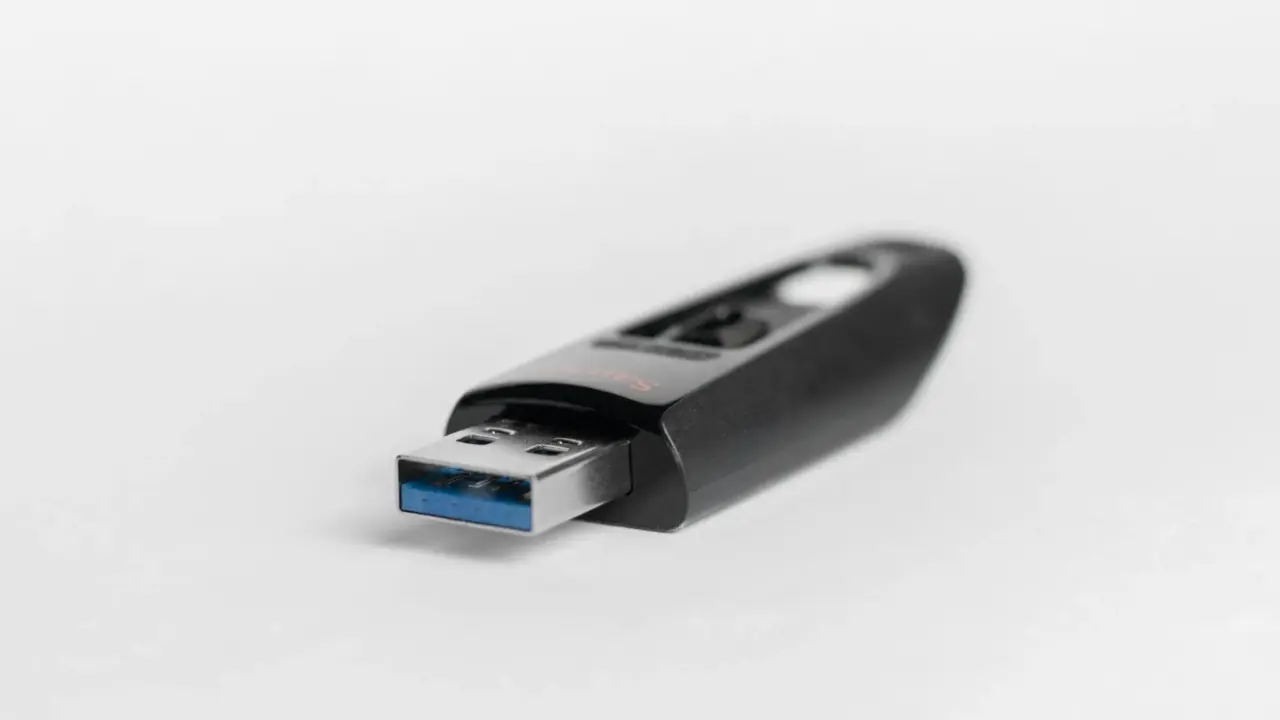
Flash drives might look simple, but they are powerful tools in modern computing. These tiny devices can fit in your pocket and still store gigabytes or even terabytes of files, including documents, photos, and backups, all without needing external power. This is possible thanks to flash memory, a type of semiconductor storage that keeps information safe by holding electrical charges in tiny electronic structures.
Most people just plug in a flash drive and move files, but there is a lot of engineering behind the scenes. Flash drives use a mix of semiconductor physics, special software, and reliability features to keep data safe for years. To understand how they protect your information, it helps to look at how non-volatile memory works inside each transistor.
The Principle of Non-Volatile Memory
What sets flash memory apart from regular computer memory is that it can keep information even when the power is off. In memory like dynamic RAM, data is lost as soon as the electricity stops. Flash memory is different because it stores electrical charges in insulated transistors, which can hold onto electrons for a long time.
The U.S. National Institute of Standards and Technology explains that non-volatile memory technologies allow digital systems to maintain stored information even after power is removed. In its technical documentation on storage systems, the institute states that nonvolatile memory retains stored information even when not powered.
This feature is what makes flash storage possible. When you unplug a flash drive, the electrical charges inside its millions or billions of memory cells stay put, keeping your digital information safe inside the device.
Floating-Gate Transistors: Where Data Actually Lives
Inside a flash drive, data is stored using special semiconductor parts called floating-gate transistors. These are like regular MOSFET transistors found in electronics, but they have an extra conductive layer called a floating gate, which is surrounded by thin layers of insulation.
When electrons are injected into this floating gate, they remain trapped because the surrounding insulating material prevents them from escaping. This trapped charge alters the electrical characteristics of the transistor, allowing circuits to detect whether a memory cell contains a stored charge.
Intel’s flash memory architecture documentation explains that flash cells store information by trapping electrical charge in a floating gate that is electrically isolated by insulating oxide layers.
Each transistor acts as a tiny storage unit for digital data. If there is a charge, the cell stands for a one; if not, it stands for a zero. By putting billions of these cells together, flash drives can store huge amounts of information.
Writing Information into Flash Memory
Storing data in flash memory requires a process known as programming, during which electrons are forced into the floating gate through the insulating oxide barrier. Because the insulating layer normally blocks electrons, engineers use a quantum mechanical process called Fowler–Nordheim tunneling to move electrons through the barrier.
Research published in IEEE Transactions on Electron Devices describes how flash memory programming relies on strong electric fields that allow electrons to tunnel through the insulating oxide layer into the floating gate. The study explains that flash programming mechanisms use tunneling effects that enable electrons to be injected and trapped within the memory cell structure.
During this process, the flash controller applies a high voltage to the transistor gate. This electric field forces electrons to cross the insulating layer and become trapped inside the floating gate. Once trapped, the electrons remain stored even after power is removed.
This is how digital information is actually stored inside a flash drive.
Why Flash Memory Must Erase Data in Blocks
Flash memory works differently from magnetic hard drives because it cannot just overwrite single bits of data. Before new information can be written, the old data has to be erased first.
The reason lies in how floating-gate transistors operate. Removing stored electrons requires reversing the tunneling process used during programming. However, flash memory architectures typically erase data in groups of cells rather than one cell at a time.
PCMag explains that flash storage erases memory in blocks, meaning that entire groups of cells must be cleared before new data can be written. The documentation states that entire blocks of memory must be cleared before new data can be written.
Because flash memory erases data in blocks, flash drives have to manage data carefully inside. The controller must reorganize data whenever files are changed or deleted.
NAND Flash Architecture
Most flash drives rely on a technology known as NAND flash memory. NAND flash arranges floating-gate transistors into dense arrays connected in series, allowing manufacturers to maximize storage capacity while minimizing chip size.
Micron Technology explains that NAND flash memory organizes memory cells into large arrays in order to achieve extremely high storage density. The company notes that NAND flash stores data in arrays of transistors arranged in a way that allows large amounts of information to be stored in compact semiconductor chips.
This architecture makes NAND flash especially suitable for portable storage devices such as USB drives, memory cards, and solid-state drives.
Increasing Storage Density with Multi-Level Cells
In the beginning, flash memory could only store one bit of data in each transistor. As people needed more storage, engineers found ways to put several bits in a single memory cell by controlling the charge levels more precisely.
Samsung Semiconductor explains that multi-level cell technology increases storage capacity by allowing multiple bits to be stored in one flash memory cell through the use of different voltage thresholds.
Today’s flash drives use different types of cell technology. Single-level cells hold one bit each and are the most reliable. Multi-level cells store two bits, while triple-level and quad-level cells can hold three or four bits in each cell.
These new technologies let flash drives store more data, but they also make the memory more sensitive to changes in charge. Because of this, engineers use extra reliability features to keep data safe.
Wear and the Limits of Flash Memory
Flash memory cells degrade gradually with repeated use. Each time electrons are forced into or out of the floating gate, the insulating oxide layer experiences stress.
Research published in the Japan Electronics and Information Technology Industries Association explains that repeated programming and erasing cycles gradually damage the oxide layer used in floating-gate transistors. Over time this degradation can lead to charge leakage and data errors.
Because of this phenomenon, flash memory has a finite lifespan measured in program-erase cycles.
Engineers therefore design flash drives with systems that distribute wear evenly across the memory.
Error Correction and Data Integrity
Flash memory can also have small errors from electrical noise or charge leaks. To protect your data, flash drives use error correction systems that find and fix any corrupted bits.
The International Journal of Computer Applications notes that flash memory requires error correction systems because semiconductor storage is vulnerable to bit errors that can occur during read operations.
Error correction codes check the stored data and use built-in math to rebuild any bits that have become corrupted.
This helps flash drives keep your data safe, even as the memory cells get older.
The Flash Controller: The Hidden Processor
The flash controller is like the brain of the flash drive. It’s a tiny processor that turns your computer’s data requests into actions on the flash memory chips.
Western Digital explains that flash controllers manage tasks such as logical-to-physical address translation, bad block management, and error correction.
Without the controller, flash memory wouldn’t work as a storage device. The controller manages everything needed to keep your data safe and organized.
Data Retention and the Physics of Charge Leakage
A big challenge in flash storage is making sure the charge inside the floating gates stays there for a long time.
Research published in IEEE Electron Device Letters notes that long-term data retention is limited by the gradual leakage of electrons through the insulating oxide layers surrounding the floating gate.
Modern flash memory tackles this problem by using better insulating materials and advanced error correction systems.
High-quality flash drives can retain stored data for ten years or more under normal conditions.
The Evolution of Flash Storage Technology
Flash storage technology is changing quickly. One major recent advance is 3D NAND memory, which stacks memory cells on top of each other instead of laying them out flat.
Micron explains that 3D NAND technology increases storage density by stacking layers of memory cells, allowing dramatically higher capacities without increasing chip size.
Thanks to this technology, today’s flash drives and solid-state drives can hold huge amounts of data in very small devices.
A Pocket-Sized Engineering System
A flash drive might look simple, but it’s actually a complex data storage system built with advanced semiconductor technology.
Floating-gate transistors trap electrons to represent digital information. Controllers manage wear leveling and error correction to maintain reliability. Advanced materials prevent charge leakage and ensure long-term data retention.
So, the next time you use a flash drive to save a file or move data between computers, remember that it’s showing off the amazing progress of modern engineering.
That small device you carry is actually the result of decades of research in physics, electronics, and computer design, all packed into a storage system you can fit in your pocket.