Artificial intelligence (AI), which initially sounded like a hype word, has received real traction. Today, we can already see its enormous impact: teams that use AI are already delivering faster and retaining organisational knowledge more effectively. Yet there is a big difference between using an AI tool once and integrating it into daily engineering practice in a traceable, controllable way.
For those who have not yet worked with it directly, this article explains how AI is changing some stages of the software development lifecycle (SDLC). Each section contrasts workflows before and after AI, illustrates practical examples, and provides risks and mitigation strategies.
A reminder of how different stages of the software development cycle look:

The article will not cover inception, but will include knowledge management, as it may be beneficial across all other development stages and has extremely valuable applications from modern LLMs/AI.
AI: Broad application
Overall, AI can be integrated into the core structure of software engineering. What distinguishes AI-first adopters is their mindset: treating AI as a co-pilot and not a one-off assistant. For example, AI can be embedded into:
- Architecture reviews, where trade-offs are analysed and designs are accelerated via AI brainstorming and diagramming;
- Coding workflows, where tests and reviews are partially generated;
- Operational dashboards, where incidents are predicted and summarised automatically.
- Knowledge management systems, where fragmented data is unified and contextualised.
The goal of using AI is to help software developers shift their work approach from reactive troubleshooting to proactive optimisation and predictability.
Now, let us break down the SDLC stages.
AI for Architecture and Design
Challenges before AI
Architecture has always been the crucial element of engineering. But historically, it was mostly about senior experts responsible for the process and hand-drawn diagrams. As a result, these lengthy procedures created bottlenecks, slowed feedback loops, and constrained junior engineers’ autonomy. The process was not efficient enough.
The change with AI
AI has made architectural reasoning transparent and accessible to the entire engineering team. Generative models can now propose design alternatives, generate system diagrams from text, and help validate design trade-offs in context.
Illustrative scenario A backend engineer must design an asynchronous processing feature. With AI, they can:
- Ask Claude or ChatGPT to compare pub/sub vs REST architectures.
- Turn informal Slack messages into draft documentation via Kiro or Notion AI;
- Auto-generate a system diagram using Lucidchart AI;
- Get contextual architecture hints inside the IDE using Cursor or Copilot for Docs.
Work that used to take days now takes hours, allowing engineers to focus on higher-order trade-offs.
Risks and mitigations
In design and architecture, these are the main risks of using AI:
- Hallucinated design patterns. Mitigation: Introduce senior review and fine-tune models with domain-specific data.
- Inconsistent team outputs Mitigation: Adopt standardised templates and prompts.
- Over-reliance by junior engineers Mitigation: Require justification of AI-assisted decisions.
- Cultural resistance from architects Mitigation: Position AI as a productivity multiplier, and not a substitute.
Once the AI-assisted design phase is complete, the team can proceed to the coding stage.
AI for Coding
Challenges before AI
Coding is considered a hot topic in the IT industry for a reason – chances are, you have already worked with it or at least heard about it. The process was time-consuming and repetitive: code was written manually, reviews were slow, testing was deprioritised, and documentation was outdated or missing.
The change with AI
With the help of AI, engineers become faster and less prone to errors.
Illustrative scenario A mid-level backend engineer fixing a bug can now:
- Generate tests and fixes automatically with GitHub Copilot or Amazon Q Developer (reducing fix time from ~1 hour to 30 minutes);
- Run AI pre-scans for outdated dependencies or logical flaws before human review;
- Accelerate root cause analysis using AI-suggested tracing and logging strategies.
Risks and mitigations
In coding, these are the main risks of using AI:
Amplification of poor abstractions if the input code is flawed Mitigation: Implement clean code practices.
AI-generated tests are lacking critical business logic Mitigation: Combine with human-authored test suites.
Hallucinated documentation Mitigation: Link all documentation to verified, reviewed code.
Resistance to AI code reviewers Mitigation: Frame tools as preliminary reviewers rather than final authorities.
After automation transforms coding, DevOps becomes the next step, where AI improves efficiency in deployment pipelines, incident detection, infrastructure stability, and cost optimisation.
AI for DevOps
Challenges before AI
DevOps and site reliability engineering are the nervous systems of modern products, since they demand 24/7 monitoring and precise deployments under pressure. Initially, deployments and rollbacks were manual, incident response depended on digging through dashboards and historical tickets, and logs were difficult to interpret. Furthermore, alarms required constant manual tuning and operational reports were prepared manually.
The change with AI
In the DevOps space, teams are more sceptical about using AI tools because they often cannot solve the problem at hand. Nevertheless, AI improves DevOps by automating monitoring, analysis, alerting, and reporting.
Illustrative scenario
An engineer is paged for high error rates in a payment API during a deployment.
Instead of manually searching dashboards, Amazon Q or PagerDuty Copilot aggregates logs, finds similar past incidents, detects duplicate alerts, and suggests recommended fixes. After resolution, an AI-generated report summarises the event and highlights optimisation opportunities (for instance, underused Lambda memory).
Risks and mitigations
In DevOps, these are the main risks of using AI:
- False confidence in AI diagnoses Mitigation: Human oversight required for high-severity incidents.
- Context-blind recommendations Mitigation: Use fine-tuned models trained on organisational runbooks.
- Security risks from AI access to sensitive data Mitigation: Apply strict permissioning and auditing.
- Overreliance on auto-generated reports Mitigation: Require human validation before distribution.
Last but not least, the article will touch on knowledge management – a critical yet often overlooked area where AI helps consolidate fragmented information and automate and standardise documentation.
AI for Knowledge Management
Challenges before AI
Information was scattered across multiple platforms – Slack, Confluence, Jira, and code repositories. Search tools matched keywords but missed context. Moreover, documentation quickly went stale, and institutional knowledge stayed in people’s heads.
The change with AI
AI provide semantic and context-aware retrieval of the needed information.
Illustrative scenario
A new engineer needs to modify a billing webhook. To finish the task, they need to identify the owner and review specifications.
Before AI, the specialist would need to search Slack, check outdated documents, or ask colleagues. As a result, this task would have taken hours. Now, however, an internal assistant (powered by GPT or Claude) can:
- Identify the owner of a service;
- Summarise relevant tickets, documentation, and incidents;
- Simply explain code logic;
- Suggest updates to outdated files.
Risks and mitigation
In knowledge management, these are the main risks of using AI:
- Stale indexes produce outdated results Mitigation: Event-driven refresh of embeddings.
- Over-exposure of sensitive repositories Mitigation: Use fine-grained access controls.
- Irrelevant or duplicated answers Mitigation: Apply metadata filters and centralised assistants.
- Hallucinated responses Mitigation: Require citation of sources with traceable references.
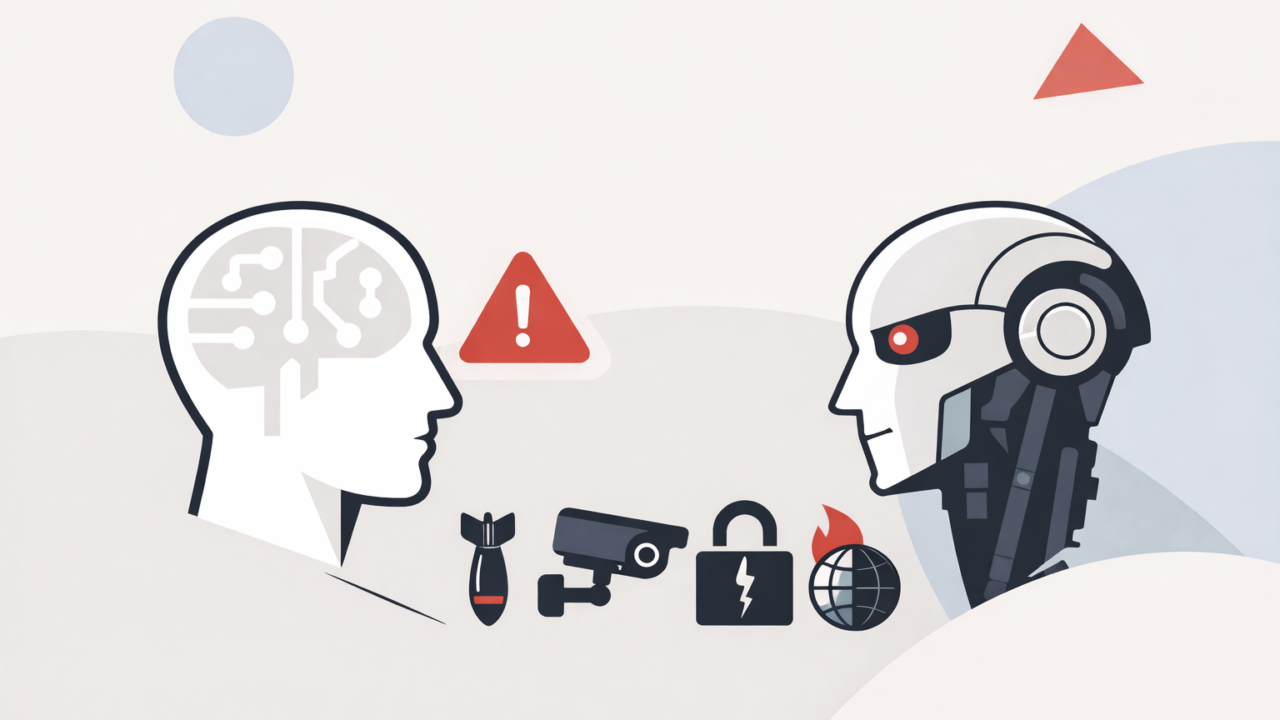
Responsible AI: Risks and guardrails
A significant topic gaining attention across the industry is Responsible AI, as highlighted in the recent AWS article. This is a still-evolving field with no universal answers or ready-made frameworks, yet it is already changing how teams approach AI adoption.
Before integrating any AI-driven process, teams should apply a decision matrix – a structured exercise that helps them evaluate impact and risks before moving from experimentation to implementation.
The matrix looks this way:
| Transparent (Explainable, Auditable) | Opaque | |
| Controllable | Ideal AI agents: traceable + overrideablee.g., “Why did it group these alerts?” | Dangerous: hidden decision-makinge.g., auto-rollbacks with no context |
| Uncontrollable | Unexplainable outputs with fallbacke.g., ambiguous test coverage or partial docs | High risk: auto-acting agents without trace, override, or logs |
Hence, the most important principles about responsible AI that teams need to keep in mind are:
- Keep humans in the loop. Treat AI as an assistant first.
- Validate outputs before execution. Every AI suggestion should be reviewed by a human.
- Log and audit decisions. Maintain traceability for compliance and debugging.
- Automate routines. Use AI where it improves speed or reliability.
- Embed feedback loops. Let engineers flag hallucinations or unsafe results.
- Protect context. Control data access and model scope to prevent leaks or bias.
Conclusion
AI is not a replacement for engineers, but their co-pilot and a significant business advantage. From architecture to deployment to documentation, AI can already be a part of modern engineering. However, the question is no longer if we should use AI, but how we can do so responsibly. And this question is yet to be answered.
Toolkit
Below, you will find a selection of tools for each covered stage of the SDLC.
Tool сategories for architecture and design
- Conversational reasoning: ChatGPT, Claude.
- Requirements generation: Kiro, Confluence AI Assist.
- Diagramming: Lucidchart AI, Diagrams.net with GPT.
- IDE-integrated design support: Cursor, GitHub Copilot for Docs.
Tool сategories for coding
- Code writing: GitHub Copilot, Amazon Q Developer.
- Test generation: CodiumAI, Diffblue Cover.
- Code review: Amazon Q Code Reviewer, CodeRabbit.
Tool сategories for DevOps
- Monitoring: anomaly detection, alarm tuning, event grouping.
- Troubleshooting: AI-driven summarisation of logs and correlation with metrics.
- On-call support: autonomous agents parsing alerts, checking runbooks.
- Deployment: predictive validation and rollback safeguards.
- Ops reporting: automated root cause analyses and operational excellence reports.
- Infrastructure optimisation: AWS Trusted Advisor AI, GCP Recommender, CAST AI.
Tool сategories for knowledge management
- Semantic search: Glean, NeevaAI, Amazon Kendra, Elastic + vector search.
- Knowledge graphs: Neo4j + LangChain, LinkedIn’s EIN model.
- Multi-agent retrieval: Dust, CrewAI, LangGraph.
- Code+doc assistants: GPT-4 with codebase context (Cursor, Cody, Codeium Chat).
- Auto-sync documentation: Mintlify, Kiro, internal pipelines.