

When you pay inside an app or edit content in your feed, a WebView is often doing the work. It’s one of the most powerful tools in Android, and one of the most dangerous: lose control of what comes in, and your app becomes an attack surface. That risk became real in early 2026, when Chrome 143 patched a high-severity WebView flaw (CVE-2026-0628) that had exposed thousands of Android apps.
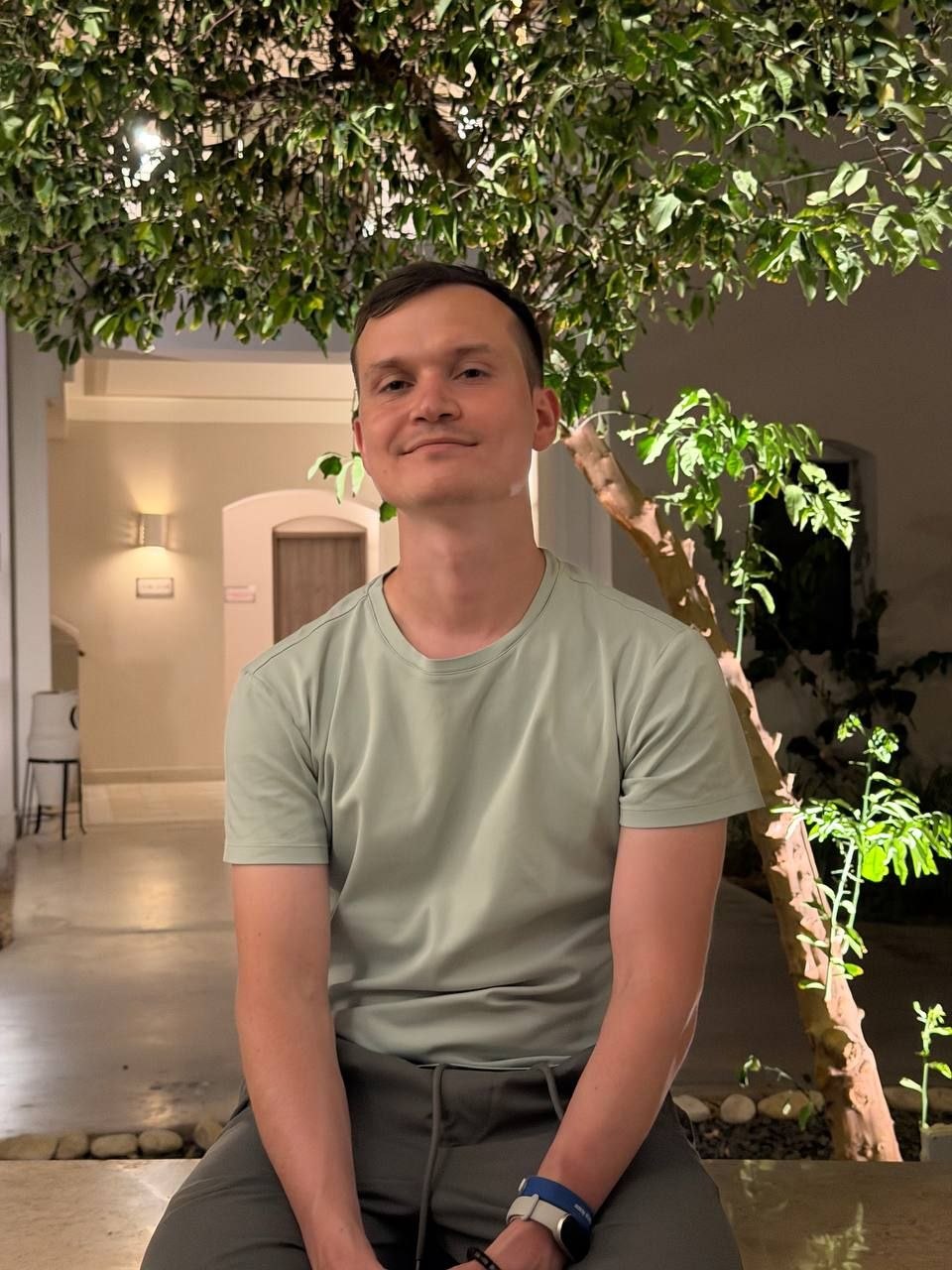
Our guest, Anton Sinitsyn, is a Senior Android Engineer at Reddit, where he built the client-side architecture for Collectable Avatars (over $2.5M in sales in a single day) and designed the WebView runtime that powers Custom Posts. We talked about the line between WebView and native, keeping an embedded browser secure, and what agentic Android means for client engineers.
1. Most users have no idea a full browser engine might be running inside their favorite app. In plain terms, what is a WebView, and why do companies embed it in native apps at all?
Anton Sinitsyn:
A WebView is basically a browser inside your app. The user still feels like they’re on a normal Android screen, but part of that screen is actually web content: HTML, CSS, JavaScript, the same engine you’d have in a browser. Companies use it because sometimes web is just the better tool for that part of the product. The content changes often, another team owns it, or you don’t want to wait for an app release for every small change.
At Reddit, that was the reason behind Custom Posts. We wanted interactive things like lightweight games, purchases, and live connections to work directly inside the feed. Building every one of those as native Android wouldn’t really scale. So WebView gives you flexibility and speed, but it also gives you a boundary problem. You have to be very clear about what web controls, what native controls, and where the line is.
2. WebView gets called one of the most dangerous components in Android. What makes it such an attractive target, and why do even experienced teams keep making the same mistakes?
Anton Sinitsyn:
WebView is dangerous because it connects two worlds that normally have different trust rules. On one side you have web content: JavaScript, cookies, remote code that can change without warning. On the other side you have the native app: user identity, payments, and app APIs. If the boundary is too open, the web side starts influencing things that should stay native.
The mistakes are usually small at first. You enable JavaScript because the page needs it. Then you add one bridge method. Then you allow one more URL or redirect. None of that feels like a big security decision in the moment, especially when the team is trying to ship.
With Custom Posts, the hard part wasn’t “can we render this?” Of course we could. The real question was what the web content should be allowed to ask the Android app to do, especially around purchases, uploads, and sockets. My default is to treat the web side as untrusted and expose only what’s really needed.
3. When payments or user content run inside a WebView, a bug can mean leaked tokens or a hijacked account. What are the most common ways these attacks actually happen?
Anton Sinitsyn:
Most of the attacks I worry about come from two places: the JavaScript bridge and navigation. If JavaScript can call native methods, that bridge is basically an API. If the wrong page gets access to it, or someone injects script into a page you thought was safe, they can start triggering native behavior: uploads, purchases, maybe even account-related flows.
Navigation is the other common problem. You start with a trusted URL, but then there’s a redirect, mixed content, or user-generated HTML that loads something unexpected. If the WebView still has the same permissions and the same bridge enabled, the trust model is already broken.
For payments and user content, I prefer native code to own the sensitive parts: tokens, identity, and final validation. The web layer can request an action, but native should decide if that request is allowed. Passing tokens into web because it’s convenient is usually where trouble starts.
4. Security is half the story; the other half is that WebView can be slow and janky. Which performance techniques actually move the needle, and which are premature optimization?
Anton Sinitsyn:
The biggest wins are usually not fancy. A cold WebView is expensive, so if you create it only when the user needs it, the screen can feel slow. Pre-warming helps. Reusing helps too, but only if you reset state properly; otherwise, you just create weird bugs. The next big thing is the web payload. If the page is heavy, uncached, or making too many network calls, small JavaScript optimizations won’t save it. I’d rather look at lazy loading, caching, and payload size first.
What I don’t like is optimizing in a perfect demo and assuming production will match it. A WebView inside a feed, checkout, or onboarding flow behaves differently. For Custom Posts, reliability mattered as much as raw speed. A feature that loads a little slower but loads consistently is often better than one that’s fast only on a perfect device and network.
5. You’re a fan of remote kill switches for web features in production. Why does a web feature need an “off switch” at all, and how do you ship fast without breaking things for live users?
Anton Sinitsyn:
Because web features can change faster than the app binary, and on Android the WebView component itself can also update separately from your app. That gives you flexibility, but it also means the behavior users see can change without a normal app release. If a web bundle breaks, a backend contract changes, or a payment flow has a problem, you don’t want your only option to be an emergency Play Store release. A kill switch lets you remotely disable the risky path while keeping the rest of the app working.
The way to ship fast is to roll out gradually, watch for real signals like crashes, failed payments, and conversion drops, and make rollbacks a routine operation rather than a panic. For me, kill switches aren’t about being afraid to ship. They’re what let you ship faster because you know you can quickly undo a bad rollout.
6. 2026 is the year Android became an “agentic OS,” with AppFunctions so AI agents can call your app’s actions directly. How does an engineer’s job change when an app suddenly has a second “user,” an agent calling your functions?
Anton Sinitsyn:
The big change is that your app’s actions become directly callable, not only accessible through screens. A human user sees the UI, reads labels, notices context, and confirms things. An agent may call a function with much less context, and it may do it faster and more often than a person would. So you can’t rely on the UI as the only safety layer.
I think about it the same way I think about a WebView integration surface. You’re exposing capabilities to a caller you don’t fully control, so you need clear contracts: what input is valid, what state is required, and when user confirmation is still required. For read-only actions, the risk is probably low. But for purchases, account changes, or anything involving identity, the app still has to enforce the rules. An agent shouldn’t be able to skip checks a human user would normally go through.
So the job isn’t just “add AI.” It’s designing safe app capabilities that are explicit, testable, logged, and limited to what the caller should actually be able to do.
7. Everyone says 90% of new apps will ship with AI by the end of 2026. Which engineering fundamentals aren’t going anywhere, no matter how much code gets written for us?
Anton Sinitsyn:
The fundamentals that stay are the ones that were never just about typing code. You still need to understand the product problem, draw clear boundaries, and know how the system fails in production. AI can write code faster, but it can also write the wrong code faster. If the architecture is unclear or ownership is messy, generated code won’t fix that.
Across my work at Reddit, the valuable part wasn’t only implementing screens. It was deciding where responsibilities live, how features get rolled out, and how we recover when something goes wrong. Frameworks will keep changing: from XML to Compose, from Rx to coroutines, from manual flows to agent-driven actions. But someone still has to own correctness, security, and rollback. That part isn’t going away.
Engineering Trust Beyond the Screen
Sinitsyn’s view of Android engineering is clear: the hardest problems are no longer just about building screens or shipping features faster. Whether the surface is a WebView, a payment flow, a custom post, or an AI agent calling app functions directly, the real work is defining boundaries, enforcing trust, and preparing for failure before it reaches users.
As Android becomes more flexible and agent-driven, engineers will need to treat every new integration point as both a product opportunity and a security responsibility. Code may become easier to generate, but correctness, rollback, and accountability will remain deeply human engineering work.