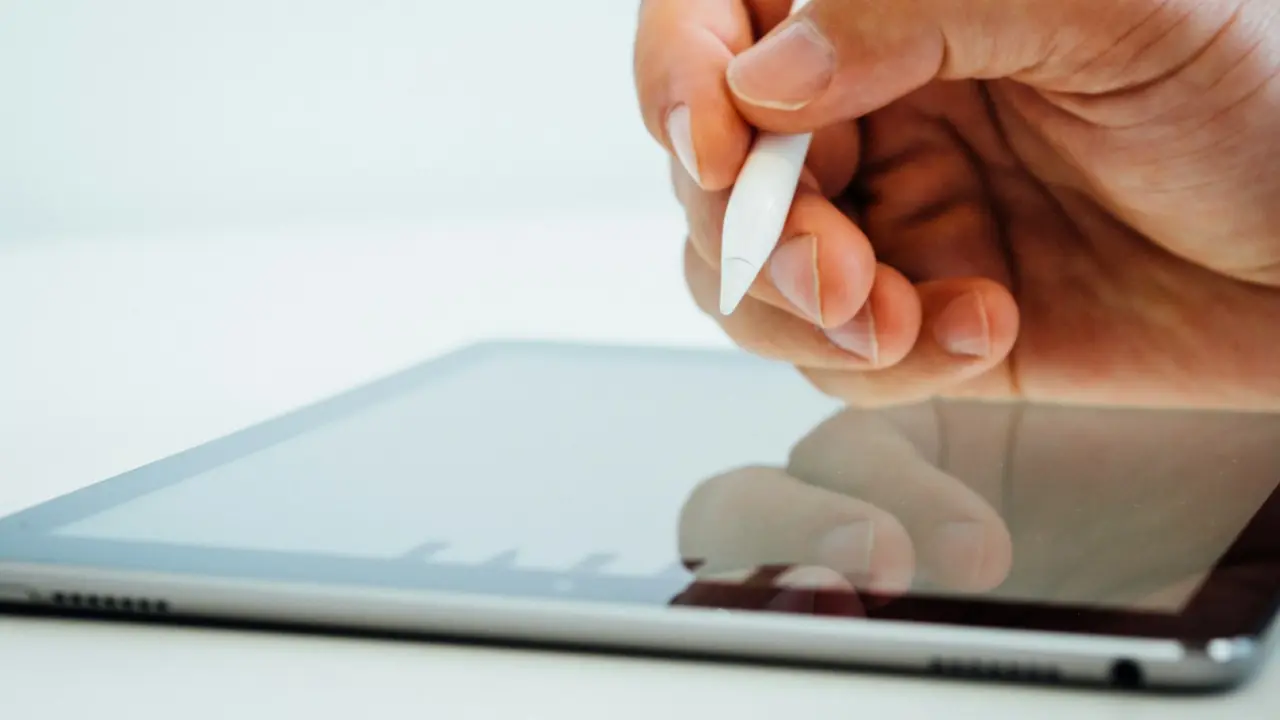
Touchscreens have transformed how people interact with technology. From automotive dashboards to household appliances and industrial equipment, mechanical buttons have increasingly given way to digital interfaces that offer greater flexibility and cleaner designs.
Yet something valuable can disappear when physical controls are replaced by glass: the ability to operate technology through touch without constantly looking at it.
A physical button communicates through its shape, resistance, position and movement. A touchscreen must reproduce some of that information through visual or electronically generated feedback.
This distinction is encouraging researchers and product engineers to reconsider whether entirely digital interfaces always represent better design. The answer lies partly in how the human nervous system processes information.
The Neuroscience Behind Physical Touch
Human hands are sophisticated sensory systems capable of detecting pressure, movement, vibration and surface characteristics.
A scientific review published in Nature Reviews Neuroscience describes how mechanosensory neurons transform mechanical forces acting upon the skin into electrical signals that travel towards the central nervous system.
Different sensory receptors respond to distinct forms of stimulation. Some detect sustained pressure and fine spatial details, while others are particularly sensitive to movement and vibration.
When someone presses a mechanical button, its resistance and movement generate sensory information that helps the nervous system identify and interpret the interaction.
This explains part of the functional value of physical controls. Their geometry allows users to distinguish neighboring buttons, while mechanical movement provides confirmation that an action has been performed.
A flat touchscreen lacks many of these naturally occurring tactile landmarks. Without additional feedback mechanisms, users may need to rely more heavily on vision.
Muscle Memory Makes Familiar Interfaces More Intuitive
Repeated interactions allow people to develop increasingly familiar movement patterns. This ability involves motor learning and proprioception, the sensory process through which humans perceive their body’s position and movement.
A 2022 University of Chicago study examining proprioceptive sensitivity in human fingers found that participants could reliably distinguish changes of 12–16% in finger joint angles and 18–32% in joint movement speed.
Physical controls can take advantage of this sensitivity by maintaining consistent spatial relationships.
A volume dial, for example, remains in the same location regardless of which software application is running.
Touchscreen interfaces can also benefit from motor learning, although changing layouts may weaken this advantage.
In a driving simulator experiment involving 25 participants, University of Nottingham researcher Ayse Leyla Eren and colleagues investigated muscle memory and peripheral vision during touchscreen interactions.
Participants became faster at selecting buttons through repeated movements without visual assistance. However, using peripheral vision remained more efficient overall.
The findings suggest that familiarity can improve touchscreen interaction, but memorizing control locations does not necessarily eliminate visual dependence.
Touchscreens Can Compete for Human Attention
The difference between physical and digital controls becomes particularly important when users must perform multiple activities simultaneously.
Driving provides a practical example because operating secondary controls can compete with the visual attention required to monitor traffic.
Researchers Youngbo Suh and Thomas K. Ferris conducted an on-road interface evaluation involving 29 participants who performed data-entry tasks while driving an instrumented vehicle around a closed course.
Adding nonvisual feedback to touchscreen interactions improved how accurately and quickly participants detected roadside visual stimuli.
When touchscreens incorporated multisensory feedback, researchers found no significant performance differences between those interfaces and a physical keypad across the measures evaluated.
The findings challenge the assumption that touchscreens are inherently inferior. Instead, their suitability depends partly on how effectively engineers communicate information without demanding unnecessary visual attention.
Haptic Technology Is Making Digital Surfaces Feel Physical
Haptic feedback attempts to recreate tactile information through electronically controlled physical sensations.
A peer-reviewed review of surface haptics by Cagatay Basdogan, Frederic Giraud, Vincent Levesque and Seungmoon Choi identifies three prominent approaches: vibrotactile, electrostatic and ultrasonic actuation.
Vibrotactile systems generate mechanical vibrations that users can feel through their fingertips. Electrostatic systems manipulate friction between the finger and a surface, while ultrasonic vibrations can alter perceived friction during finger movement.
These approaches allow designers to simulate sensations without installing conventional mechanical switches beneath every control.
However, creating a convincing tactile experience involves more than generating vibrations.
In July 2026, TU Delft researcher Stefan Heijboer published a doctoral dissertation on automotive haptic interfaces.
His driving simulator research found that high-fidelity piezoelectric feedback improved participants’ perceived usability and interaction clarity, although objective performance measurements showed limited differences.
This distinction matters commercially: making an interface feel better does not automatically establish that it performs better.
Automotive Safety Is Bringing Physical Controls Back
The engineering debate is increasingly influencing commercial product development.
Under its updated 2026 vehicle safety assessments, Euro NCAP evaluates the accessibility and usability of essential driving controls, including the availability of physical buttons.
Its subsequent vehicle testing results showed that the Audi Q7 achieved 100% for essential driving tasks, while the touchscreen-dependent XPENG X9 received 20% for primary driving controls.
Dr Aled Williams, Euro NCAP Programme Director, emphasized the value of intelligently implemented physical controls in reducing distraction.
These assessments demonstrate how interface decisions can influence safety evaluations, product differentiation and consumer confidence.
The Future of Product Design May Be Hybrid
Mechanical controls introduce manufacturing requirements, occupy physical space and contain components that can wear over time. Touchscreens offer adaptable layouts, software updates and access to numerous functions through a single surface.
Neither approach is universally superior.
For product engineers, a more effective strategy may involve preserving physical controls for frequent or safety-critical actions while using digital interfaces for navigation, configuration and information-rich interactions.
Haptic technology can help bridge these approaches, provided its effectiveness is evaluated through task completion, error rates, accessibility and cognitive demand.
Technological progress does not always mean replacing physical components with software. Sometimes, the most meaningful innovation comes from recognizing what traditional interfaces already do well and designing digital technology around the capabilities of the people using it.