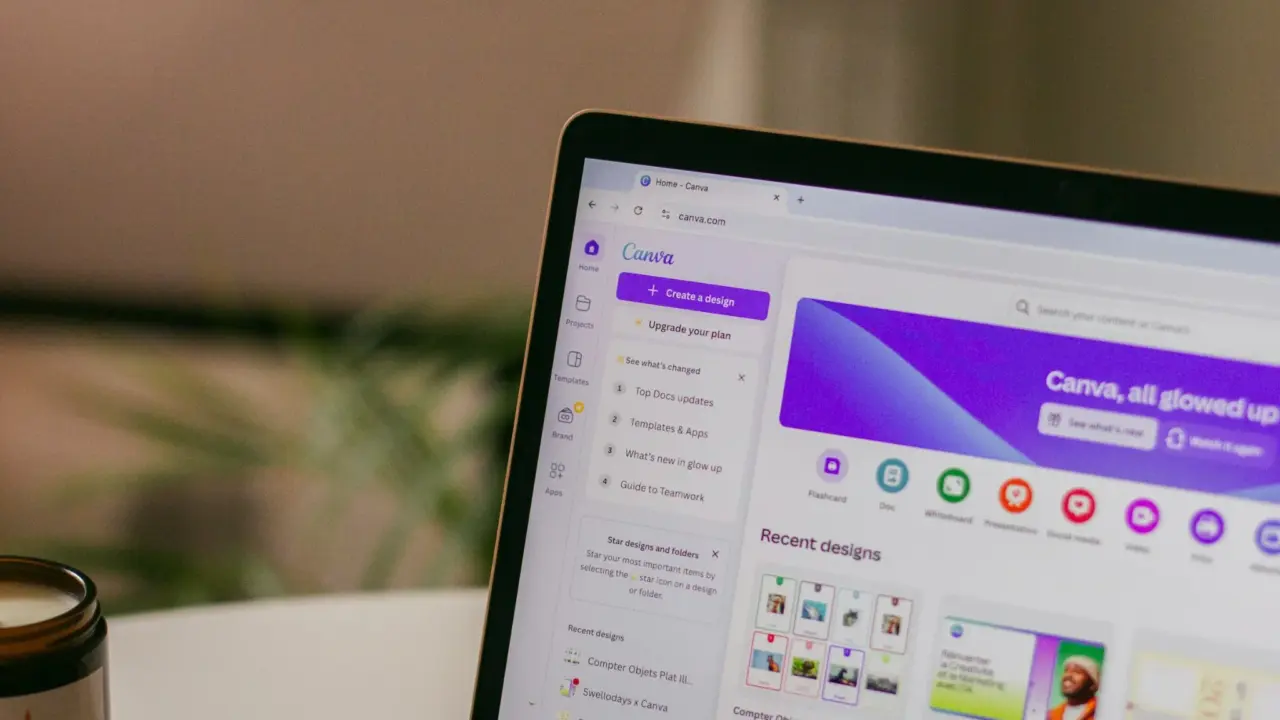
Canva is expanding its AI features to automate more of the design process. The latest version of its assistant can use several tools at once to create and edit designs from just one prompt.
The assistant now turns text requests into editable designs using Canva’s own tools. The Canva AI 2.0 update lets users make and edit almost anything on the platform using text-based descriptions.
Canva wants one AI layer across more of its design stack
The key shift is that Canva’s assistant is no longer framed as just a simple prompt box for one-off outputs.
TechCrunch said users can describe what they want the assistant to make, and the system will call the required tools and return a few options, with outputs built in layers so people can still tweak parts of the final design.
The Verge described the same move as a new orchestration layer that gives creatives and marketers access to Canva’s entire suite of tools from a single, unified conversational interface.
This bigger workflow goal is a key part of Canva’s message. Canva as saying AI 2.0 transforms Canva into a conversational, agentic platform where teams can go from idea to execution in one place. Canva has been working to make its AI assistant more important in users’ workflows, after adding features like image and website generation.
The assistant can now pull context and use more connected tools
With this update, Canva is adding more integrations so the assistant can use information from other sources.
Canva is connecting to Slack, Gmail, Google Drive, Calendar, and Zoom. This lets the AI assistant gather context from emails, chats, files, and meetings.
The assistant will have a web research skill, so it can browse the internet and handle tasks with more background information.
Users can ask the assistant to do things like create a multi-channel campaign plan to launch our latest summer products, and Canva will automatically generate results that are ready to refine or publish. This makes the tool more useful for campaign-building and content operations, not just design tasks.
Canva is also layering in persistent memory and prompt-based editing
The new system does more than just create a first draft.
Canva AI 2.0 adds persistent memory, which learns from users’ work to keep branding and visual style consistent. It also brings in Object-Based Intelligence, which lets users make precise edits to specific parts of a design, like text, images, or fonts, without changing the rest.
Other new features for the assistant, like scheduled tasks that run in the background and create drafts for users to review before posting. Canva’s AI code generator can now import HTML, and users can create spreadsheets by describing them with text prompts.
Rollout begins now, with wider access to follow
The release is happening in phases, not all at once. Canva AI 2.0 is launching as a research preview this week, with plans to reach more users soon. The preview will go first to the first one million people who visit the Canva homepage, with more users getting access over the weeks ahead.
This update comes as other companies are also launching agent-style creative tools. Adobe just released a Firefly AI assistant that works across several apps, and Figma is adding support for AI agents too.
Canva’s main point is that its assistant can now bring different tools together and handle more of the design work for users.