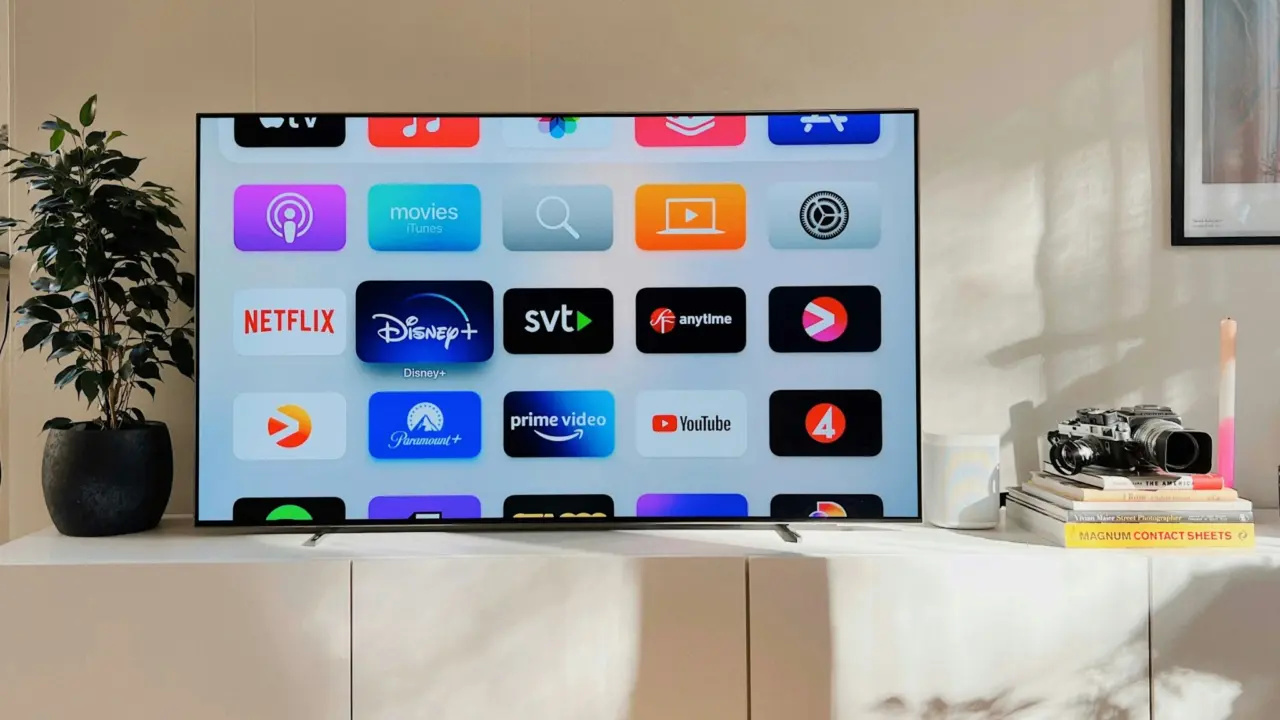
Have you ever tried to switch to the next show on your smart TV but couldn’t because your hands were wet from doing dishes? Or maybe you needed to answer a call, but your phone was out of reach? Gesture recognition technology is changing the way we interact with our devices, allowing us to control them without needing to physically touch anything.
From Science Fiction to Smart Devices
The idea of touchless interfaces might seem straight out of a sci-fi movie, but it’s rapidly becoming a reality. Remember the touchscreens in Star Trek or the gesture controls in Minority Report? Well, that future is here, and it’s redefining how we interact with our smart devices.
Gesture recognition lets you control your smart TV, smart home devices, and even smartphones with a simple wave of your hand or a nod of your head. It’s not just about convenience; it’s about opening up new possibilities for device interaction. Imagine adjusting the volume on your TV by waving your hand or swiping through a photo gallery with a flick of your wrist. Gesture recognition systems make it possible.
Beyond Touchscreens: A New Kind of Interaction
Touchscreens revolutionized how we interact with technology. Before the iPhone, devices were cluttered with buttons, making them complicated and hard to use. The iPhone’s release in 2007 changed the game by introducing touch-based interfaces that were simple and intuitive. Now, we’re moving toward touchless interactions, where you don’t need to touch a screen to get things done.
Companies like Facebook and SberDevices are leading the way with smart TVs and smart displays that combine voice recognition with gesture controls. You can use voice commands to play music or ask questions, while gestures can control other functions. This multimodal approach gives you more options, allowing you to choose the most convenient way to interact with your devices.
Designing the Future: The Challenges of Gesture Recognition
Developing gesture recognition systems isn’t easy. I’m Daria, a Senior Product Manager with over five years of experience in hardware, computer vision, and voice recognition. My team and I faced numerous challenges while working on gesture recognition for SberDevices’ smart devices.
We learned that creating a gesture-based interface involves more than just designing cool gestures. You need to consider the environment in which users interact with your device. Are their hands wet or dirty? Are they far away from the device? What about lighting conditions? All these factors affect how well a gesture recognition system works.
Another challenge is creating a “gesture basket,” or a set of gestures that users can easily perform. Gestures should be simple, culturally appropriate, and consistent. It’s crucial to find a balance between making gestures complex enough to avoid accidental activation but simple enough for users to perform without confusion.
Technical Hurdles and User Feedback
Building a gesture recognition system requires collecting and annotating large datasets to train machine learning algorithms. This process can be tedious and time-consuming, especially when users perform gestures in unique and unexpected ways. To overcome this, we collaborated with actors to create more realistic and varied datasets.
Iterative testing was another key to our success. We conducted beta testing early on, collecting data from different angles and lighting conditions to ensure the system’s accuracy. This feedback loop allowed us to refine our algorithms and create a more reliable gesture recognition system.
One of our most effective testing strategies involved false-positive detection. We set up the system to save frames when it recognized a gesture, allowing us to identify and correct errors quickly. This approach helped us create a more robust system that worked well in various real-life scenarios.
Gesture Recognition: The Key Takeaways
As gesture recognition technology continues to evolve, there are a few key takeaways for anyone interested in this field:
- Context is Key: Understand the environment in which users interact with your device. Consider different physical positions, lighting conditions, and cultural factors when designing gesture-based interfaces.
- Iterative Testing: Test and refine your system in various conditions to ensure it works well in real-world scenarios. Gather feedback from users to improve the accuracy and effectiveness of your gesture recognition system.
- Data Annotation: Annotate large datasets to train machine learning algorithms accurately. Consider using automated tools or crowdsourcing platforms to speed up the annotation process.
- User Feedback: Continuously gather user feedback to create interfaces that meet their needs. Conduct user surveys, analyze usage data, and observe users to ensure your system is intuitive and responsive.
Gesture recognition technology is at the forefront of a new wave of interaction design, enabling touchless controls for a wide range of devices. As this technology matures, we can expect even more innovative and intuitive interfaces that make our lives easier and more connected. If you’re excited about the future of technology and the possibilities of touchless interactions, this is the field for you.